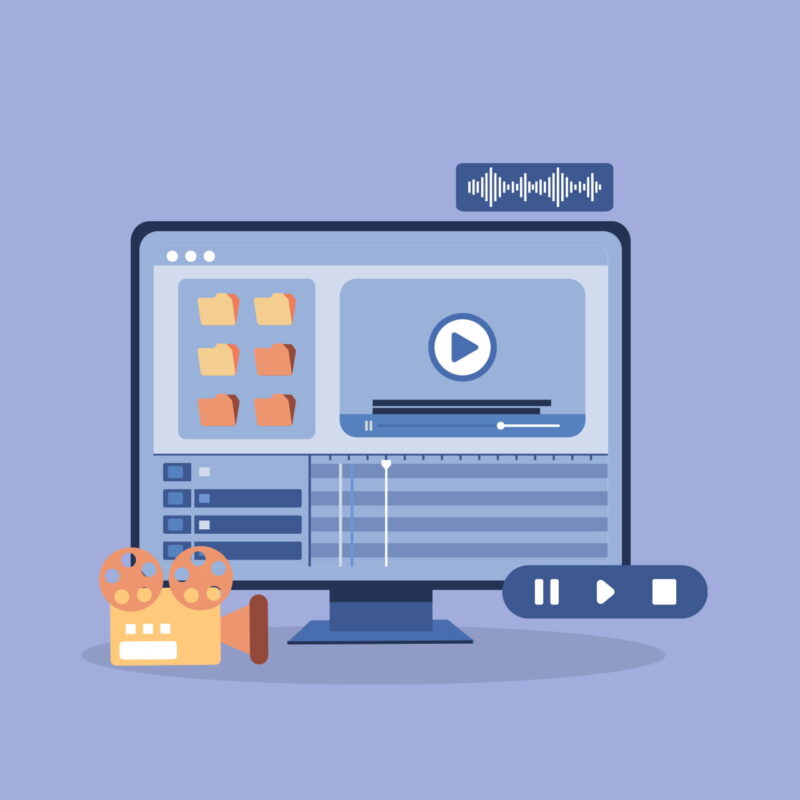
Get started with captioning by exploring a number of workflows for creating your own captioned videos with free tools. These workflows will work if you only have a few videos to caption and those videos are short. If you have hours of video to caption, hiring a captioning service may be a better option.
Choose your workflow
Depending on your familiarity with accessible video and your skill level, you can choose one of three possible workflows to end up with a captioned video. We’ll start with the simplest one: editing the automatic captions YouTube generates when you upload a video.
Edit the Automatic Captions on YouTube
While YouTube’s automatically generated captions are of low quality, you can transform them into high quality captions with some editing for accuracy and proper timing. Once your video has finished processing, edit YouTube’s automatically generated captions by correcting errors and adjusting the timing of the individual caption clips.
Upload a Transcript to YouTube
If you already have a transcript for your video you can upload it to YouTube and it will add the time codes to make sure the video and the captions are in sync. The transcript can be created in one of two ways:
- Use a tool such as Express Scribe to create a transcript file, then import that file into YouTube and let it add the timings needed for the captions.
- Use YouTube’s Transcribe and Auto-sync feature. You will need to type the captions in a provided text field and then select “Set timings” when you are done to have YouTube convert the transcript text into properly timed captions. To make the process easier, YouTube can pause the video each time you start typing your transcript text.
With either method, the accuracy of the captions will depend on the quality of the audio. For the best results your video should also be less than one hour long.
Eric Moore, a UDL and accessibility specialist at the University of Tennessee in Knoxville, has shared a shortcut for using YouTube’s Transcribe and Auto-sync feature to create captions in his Ninja Way to Speed Up Accurate Captions on YouTube video. You will start with YouTube’s automatically-generated transcript, download it into a Microsoft Word document, perform any edits that are needed and finally copy and paste the transcript text into the Transcribe and Auto-sync text field on YouTube to set the proper timing.
Manually Caption a Video with CADET
Use the free Captioning and Description Editing Tool (CADET) from the National Center on Accessible Media (NCAM) at WGBH if you need to caption a video without uploading to YouTube. CADET supports the following features for captioning:
- It is available for Mac and Windows.
- It runs as a web app that works on most browsers.
- It has a built-in editor where the audio from a video can be transcribed and timed using a number of easy-to-learn keyboard shortcuts.
- It supports styling and placement for captions.
- It has support for many popular caption file formats, including WebVTT, SRT, SCC and more.
Creating Quality Captions
Properly captioning a video is as much an art as it is a science. Over time some best practices have been identified to ensure quality captions are available that enhance understanding of the content rather than distract from it. Like anything else, you will get better at captioning the more you do it – the key is to get started!
The Described and Captioned Media Program (DCMP) has developed Guidelines and Best Practices for Captioning Educational Video. Beyond best practices, specific techniques result in clear and easy-to-read captions. DCMP has two resources for learning these techniques:
- Captioning Key is a manual of captioning guidelines
- Caption It Yourself provides examples illustrated with screen captures from a variety of videos.
Resources to go Further with Accessibility

Related articles